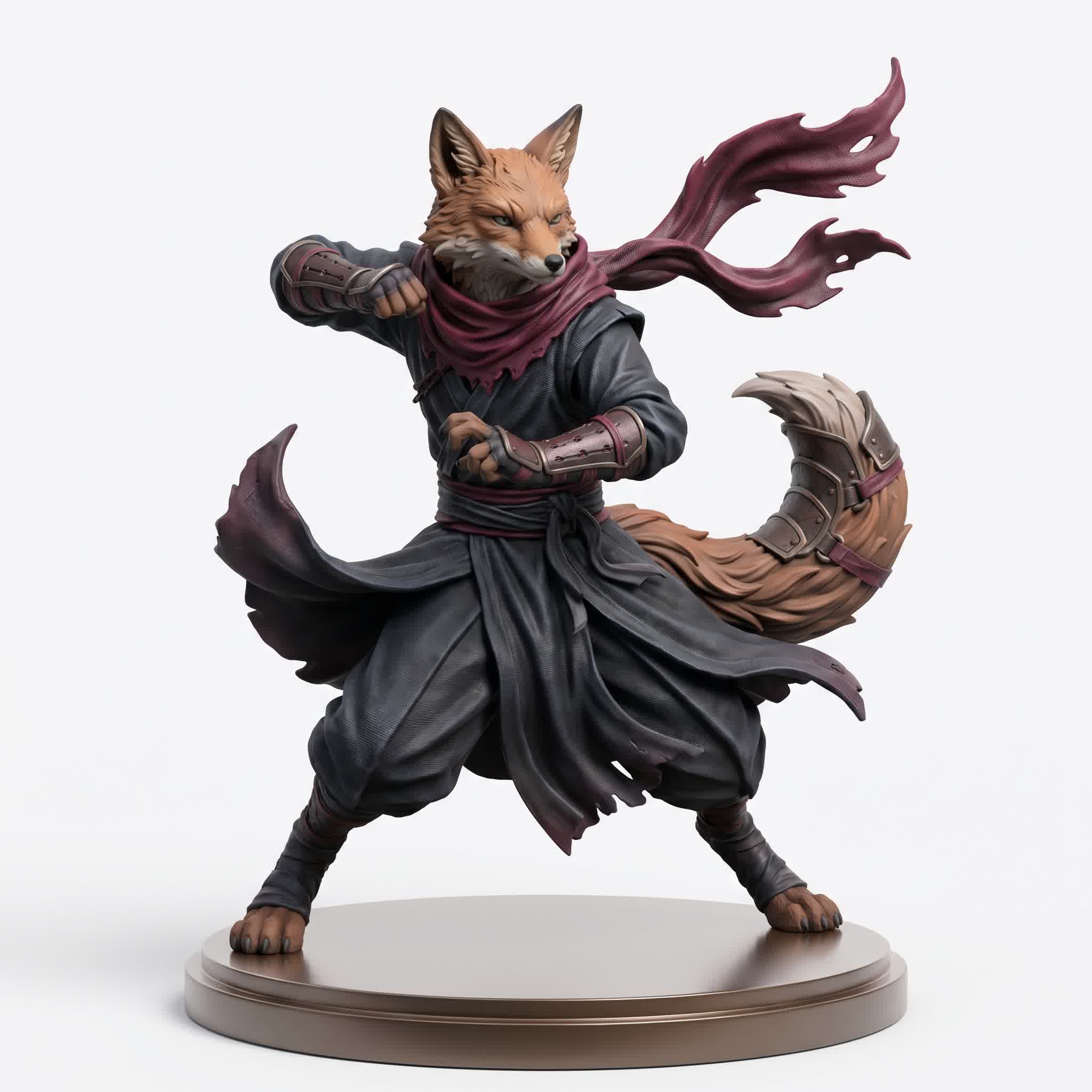
Let's be honest — 3D modeling has always had a brutal learning curve. Between mastering edge flow, UV unwrapping, topology, rigging, and PBR materials, most aspiring creators give up before they ever finish their first model. Traditional software like Blender, Maya, and ZBrush are incredibly powerful, but they demand hundreds of hours just to reach basic competence.
That wall is crumbling in 2026. AI-powered 3D modeling tools have matured to the point where a complete beginner can generate production-ready 3D assets from a simple text prompt or a single photograph. The technology isn't perfect yet — but it's advancing so fast that "good enough" keeps getting better every month.
In this guide, we've tested and compared every major AI 3D model generator available today. We'll break down features, quality, speed, pricing, and real-world usefulness so you can decide which tool belongs in your workflow.
⚡ Quick Verdict: Meshy AI is the best all-around tool for most creators. Tripo 3D is the fastest (2 seconds). Hyper3D Rodin has the most editing control. Hunyuan 3D is the only fully open-source option. Luma Genie is the best free tool. Choose based on your specific needs — or use them all.
Why AI 3D Modeling Matters in 2026
The 3D asset market is projected to hit $9.24 billion by 2032, driven by gaming, e-commerce, AR/VR, and the metaverse. But the bottleneck has always been the same: creating high-quality 3D content is slow, expensive, and requires specialized talent. AI 3D modeling tools are changing this equation fundamentally.
Think about what these tools can do that was impossible just two years ago:
- Text to 3D — describe an object in plain language and get a fully textured model in under a minute
- Image to 3D — upload a single photo and get a 3D reconstruction ready for any engine
- AI texturing — apply PBR materials to any model using natural language prompts
- Auto-rigging & animation — rig and animate characters without touching a bone
- Bulk generation — generate 50+ assets simultaneously for production pipelines
The key insight: AI 3D tools aren't here to replace artists. They're here to remove the grunt work — the hours of retopology, the tedious UV unwrapping, the repetitive texturing — so creators can focus on what actually matters: design, composition, and storytelling.
1. Meshy AI — The Best All-Around AI 3D Model Generator
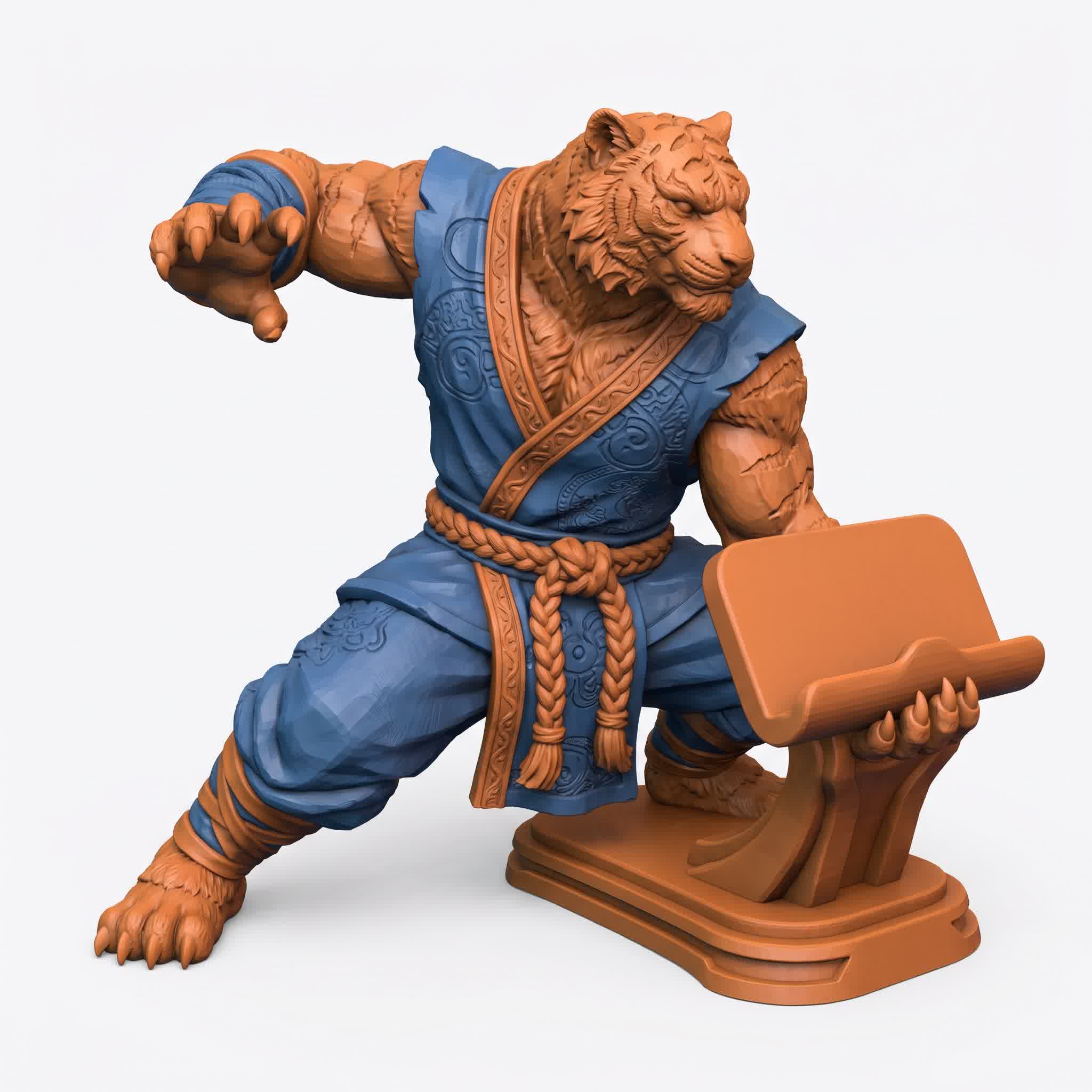
With over 1 million active users and 10 million+ models generated, Meshy AI has become the most widely adopted AI 3D modeling platform on the planet. And for good reason — it offers the most complete feature set at the most accessible price point.
Key Features
- Text to 3D — generate from detailed prompts with multiple AI model versions (Meshy 4, 5, 6)
- Image to 3D — single image or batch mode (up to 10 images)
- AI Texturing — PBR materials via text prompts or reference images
- Auto-Rigging — automatic skeleton generation with clean skin weights
- Animation Library — 500+ presets including walks, runs, attacks, and dances
- 3D to Video — cinematic turntable and walk-cycle renders
- Smart Remesh — adaptive polygon reduction from 1K to 300K faces
- Bulk Generation — up to 50 concurrent tasks for production pipelines
- Export Formats — FBX, GLB, OBJ, STL, USDZ, BLEND, 3MF
Quality & Performance
Meshy v6, released in January 2026, brought significant improvements to organic geometry, hard surface quality, and a dedicated Low Poly Mode for game developers. Characters now have more anatomically correct proportions, while mechanical assets feature sharper edges and cleaner silhouettes. The PBR textures are consistently good — not always perfect, but definitely usable for production work.
Generation takes roughly 30-60 seconds depending on server load and model version. The free plan (100 credits/month) is generous enough for evaluation, while the Pro plan at $29/month offers 1,000 credits and unlimited downloads.
Best For
Game developers, indie studios, e-commerce teams, and anyone who needs a complete AI 3D pipeline in one tool. Meshy's combination of generation, texturing, rigging, and animation makes it the most versatile option.
👍 Pros: Best feature set, excellent animation library, bulk generation, affordable Pro tier
👎 Cons: Credit costs rising with v6, results can vary with complex prompts
2. Tripo 3D — The Fastest AI 3D Generator on the Planet
If speed is your priority, nothing touches Tripo 3D. Their P1.0 Smart Mesh model generates production-ready, low-poly assets in 2 seconds — literally faster than you can read this paragraph. The H3.1 high-fidelity model produces up to 2 million polygons in about 12 seconds.
We've covered Tripo extensively in our dedicated Tripo 3D review, but here's the short version: Tripo's core innovation is native 3D diffusion. Instead of generating 2D projections and converting to 3D (which every other tool does), Tripo models geometry directly in three-dimensional space. The result is cleaner topology, better edge flow, and fewer artifacts.
Key Differentiators
- 2-second generation with P1.0 Smart Mesh
- 2 million polygons in Ultra Mode with H3.1
- Native 3D diffusion architecture (AI 3D 2.0)
- Auto-rigging & animation built into the pipeline
- Intelligent segmentation for modular game assets
- Magic Brush for local texture repainting
Best For
Game developers who need rapid iteration, filmmakers doing pre-vis, and anyone who values speed above all else. Tripo is also excellent for 3D printing thanks to its high-polygon Ultra Mode and watertight geometry.
👍 Pros: Blazing fast, excellent topology, auto-rigging, 2M polygon capability
👎 Cons: Not open source, API-only (no web app for complex editing), fewer features than Meshy
3. Hyper3D Rodin — The Most Control Over Your Output
Deemos Tech's Hyper3D Rodin takes a different approach than the competition. Instead of optimizing for raw speed or sheer feature count, Rodin focuses on creative control and production quality. It's the only AI 3D tool that lets you truly edit and refine models after generation — not just regenerate and hope for the best.
Our full Hyper3D Rodin review covers the details, but the key highlights include Gen 2 Edit (AI-powered model editing with text prompts), ControlNet support (bounding boxes, voxels, point clouds), and LoRA style modules for consistent art direction.
Key Differentiators
- Gen 2 Edit — AI 3D model editing with natural language
- ControlNet — spatial conditioning for precise generation
- LoRA support — consistent style across multiple assets
- Native quad mesh — clean topology with proper UVs
- PBR materials — albedo, roughness, metallic, normal maps
- API access on Business plan ($120/mo)
Best For
Artists and designers who need iterative refinement, studios with established art styles (via LoRAs), and anyone who finds "generate and pray" workflows frustrating. Rodin's editing capabilities make it uniquely suited for production environments where consistency matters.
👍 Pros: Best editing control, ControlNet, LoRA support, native quad mesh
👎 Cons: Slower generation, no auto-rigging, higher price point, lower poly limits
4. Tencent Hunyuan 3D — The Best Open-Source AI 3D Generator
Tencent's Hunyuan 3D is the only major AI 3D modeling tool that's fully open-source. That matters for a lot of reasons: no usage limits, no credit systems, no subscription fees, and complete data privacy since you can run it on your own hardware.
Our Hunyuan 3D deep dive covers the architecture and benchmarks, but the key points are: Hunyuan uses a 3D DiT (Diffusion Transformer) architecture that generates up to 1.5 million polygons with 4K PBR textures in about 90 seconds.
Key Differentiators
- Fully open-source — no restrictions, no subscriptions
- 3D DiT architecture — hierarchical generation for quality
- Up to 1.5M polygons with 4K PBR textures
- Self-hosted — complete data privacy and offline use
- Active community — regular updates and model fine-tunes
Best For
Teams with GPU infrastructure who need unlimited generation, projects with strict data privacy requirements, and creators who want to fine-tune the model on custom datasets. For most individual creators, the hosting costs ($1-2/hour for GPU) make it less practical than a subscription service.
👍 Pros: Completely free, open source, high quality, private, fine-tunable
👎 Cons: Requires GPU hardware, slower generation (~90 sec), no auto-rigging, no editing tools
5. Luma Genie — The Best Free AI 3D Modeling Tool
Luma AI's Genie is unique in that it's completely free with no subscription requirements. It's also arguably the most "creative" of the AI 3D generators we tested — the models it produces tend to have more artistic flair and less of that generic AI look.
Genie excels at fantastical creatures, organic forms, and stylized objects. It's less reliable for realistic, hard-surface models or anything requiring precise dimensions. The interface is minimalist — just a text prompt field at the bottom of the screen — which makes it the easiest tool to get started with.
Key Details
- Completely free — no credits, no subscriptions
- Most creative output — great for fantasy and stylized art
- Simple interface — text prompt and generate
- Daily limits — roughly 5-6 high-res generations per day
- High-res refinement takes 5-20 minutes
Best For
Hobbyists, concept artists, and anyone who wants to explore AI 3D generation without spending money. Genie is also excellent for inspiration and rapid concept exploration — the creative unpredictability is actually a feature, not a bug.
👍 Pros: Completely free, creative output, dead simple interface
👎 Cons: Daily limits, slow high-res generation, unreliable for realistic/hard-surface, no texturing or rigging tools
Full Comparison Table
| Feature | Meshy AI | Tripo 3D | Hyper3D Rodin | Hunyuan 3D | Luma Genie |
| Speed | ~60 sec | 2 sec | 30-120 sec | ~90 sec | 5-20 min |
| Max Polygons | ~600K | 2M | ~200K | 1.5M | ~100K |
| Text to 3D | Yes | Yes | Yes | Yes | Yes |
| Image to 3D | Yes | Yes | Yes | Limited | No |
| AI Texturing | Yes | Yes | Yes | Yes | No |
| Auto-Rigging | Yes | Yes | No | No | No |
| Animation Library | 500+ | Auto-rig only | No | No | No |
| 3D Editing | Limited | Limited | Excellent | No | No |
| Bulk Generation | 50+ concurrent | Limited | Limited | N/A | Single |
| Low Poly Mode | Dedicated | P1.0 Smart Mesh | Poly control | PolyGen | No |
| Open Source | No | No | No | Yes | No |
| API | Yes | Yes | Yes | Self-host | No |
| Free Tier | 100 credits/mo | Limited free | 7-day trial | Full (self-host) | Full (limited daily) |
| Starting Price | $29/mo | ~$20/mo | $24/mo | Free | Free |
How to Choose the Right AI 3D Modeling Tool
The AI 3D tool landscape has diversified enough that there's no single "best" tool — only the best tool for your specific needs. Here's our recommendation framework:
For Game Developers
Meshy AI is the default choice. The Low Poly Mode, 500+ animation presets, auto-rigging, and bulk generation make it purpose-built for game asset pipelines. For rapid prototyping and iteration, complement it with Tripo 3D for 2-second concept generation.
For 3D Printing
Tripo 3D with its 2M polygon Ultra Mode and watertight geometry is ideal for high-detail prints. Meshy also excels here with multi-color 3MF export and dedicated STL support. Both produce manifold, printable meshes.
For E-Commerce & Product Visualization
Meshy AI (batch image-to-3D) and Hyper3D Rodin (multi-view reconstruction, PBR materials) are the best options. Meshy's batch mode handles large catalogs efficiently, while Rodin's ControlNet and LoRA support ensure consistent brand aesthetics.
For Indie Creators on a Budget
Start with Luma Genie (free) for exploration and inspiration. When you need more control, upgrade to Meshy AI Pro at $29/month. For specific use cases like high-speed iteration or open-source flexibility, add Tripo or Hunyuan to your toolkit.
For Studios & Production Pipelines
Use a combination approach: Tripo for rapid concepting, Rodin for refined hero assets and character workflows, and Meshy for bulk environment props and animation. Build API integrations with all three for a unified asset pipeline.
🎯 Pro Tip: Don't limit yourself to one tool. Each AI 3D generator has unique strengths. Use Meshy for texturing and animation, Tripo for speed, Rodin for editing, and Hunyuan for unlimited self-hosted generation. The best workflows combine multiple tools strategically.
Will AI Replace 3D Artists?
This is the question everyone asks, and the honest answer is more nuanced than either the doomsayers or the evangelists would have you believe.
What AI will replace: The grunt work. Manual retopology, basic UV unwrapping, repetitive texture baking, and simple prop modeling are already being automated. If a task follows predictable patterns and doesn't require creative decision-making, AI will handle it faster and cheaper.
What AI won't replace: Creative direction, artistic vision, character design, storytelling, and the human element that makes great art resonate. AI tools learn from existing data — they can remix and optimize, but they can't originate in the way a human artist can. The most compelling 3D work will always start with a human vision.
Think of it this way: Photoshop didn't replace photographers. Digital sculpting didn't replace traditional sculptors. 3D software didn't replace physical model makers. In each case, technology expanded what was possible and changed the workflow, but the artist remained essential.
AI 3D modeling tools are simply the next iteration of this pattern. They lower the barrier to entry dramatically, which means more people can create 3D content. But the artists who thrive will be the ones who use these tools as amplifiers of their creativity, not replacements for it.
Final Verdict: The Best AI 3D Modeling Tool for 2026
After extensive testing across all major platforms, here's our final ranking:
- Meshy AI — Best overall value and feature set. The complete package for most creators.
- Tripo 3D — Unmatched speed. Essential for rapid prototyping and iteration.
- Hyper3D Rodin — Best creative control. Ideal for production environments requiring consistency.
- Tencent Hunyuan 3D — Best open-source option. Perfect for self-hosted, private, unlimited generation.
- Luma Genie — Best free tool. Excellent for beginners, hobbyists, and concept exploration.
The AI 3D modeling landscape is evolving faster than any technology we've covered on this blog. What's impressive today will be table stakes next year. But one thing is clear: the era of AI-powered 3D creation is here, and it's only going to get more powerful, more accessible, and more integrated into professional pipelines.
The question isn't whether to adopt these tools — it's which ones to start with. And honestly? You can't go wrong with any of the top three. Pick the one that fits your immediate workflow, master it, and stay ready to adapt. Because in this space, the next breakthrough is always just around the corner.
AI won't replace 3D artists. But artists who use AI will replace those who don't. The choice is yours.